Loyalty card maker
Make your own loyalty card, then put it to work
NextStamp’s card maker is where your loyalty card begins. You choose the colours, the stamp icon, how many stamps fill the card and what the rewards are, and a live preview shows the card as customers will see it on their phones.
Unlike a card you design to print, the finished card is the working one. The maker sits inside a NextStamp business account, so you sign up first, then design and preview in your own time. Publish it, print the QR poster, and customers can join the same day. You don’t order a box of cards or hand anything out.
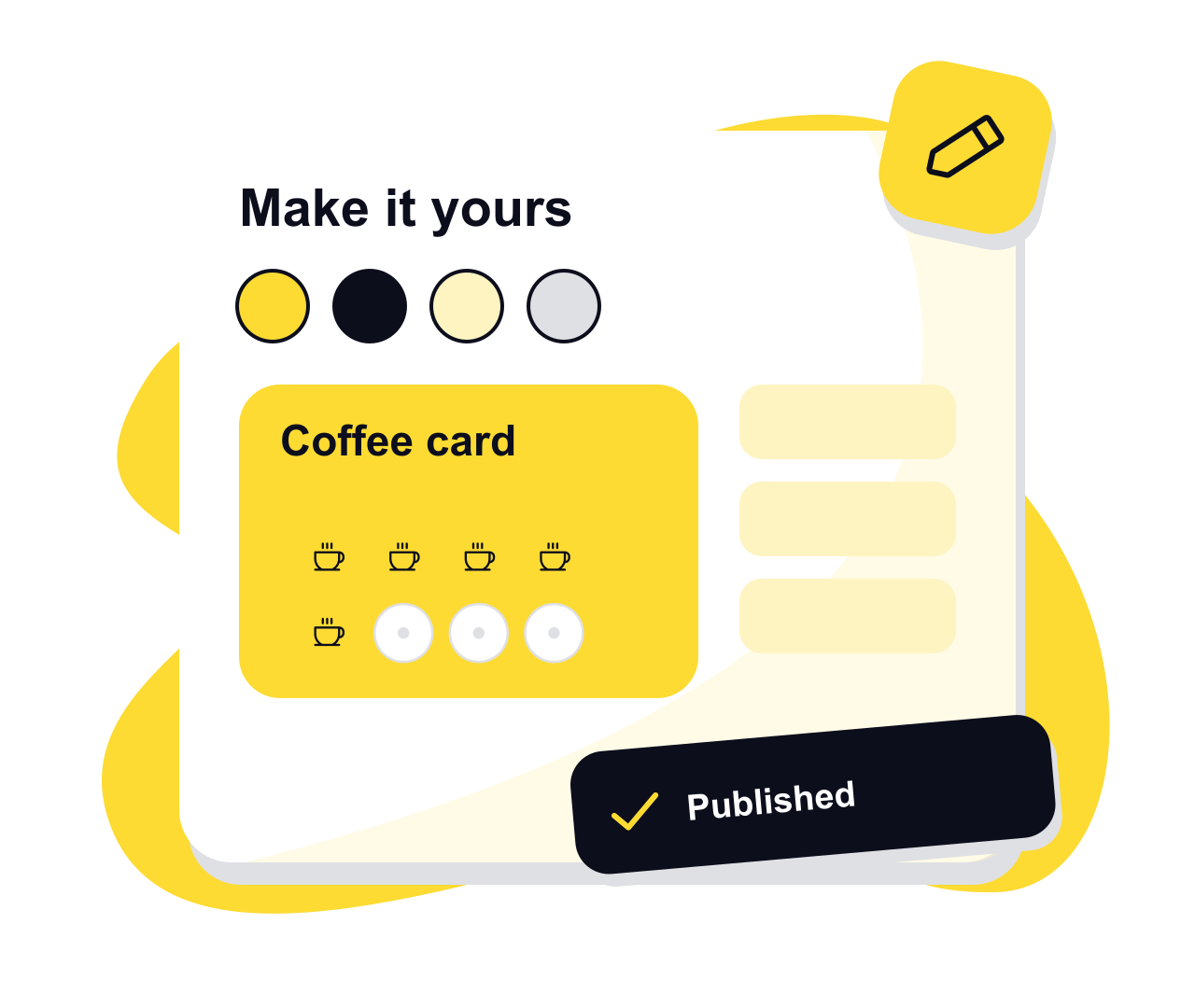
What you can change on the card
The editor is one form in sections, so you can work top to bottom or jump straight to the part you need.
Colours
Pick any card colour and a stamp colour. The writing on the card switches between ink and white by itself, so it stays readable on whatever you choose.
The stamp icon
Eleven icons, including a coffee cup, cutlery, scissors and a paw print, plus the NextStamp seal.
Stamps and rewards
Anything from a handful of stamps up to a hundred, a reward for the full card, and smaller rewards at any stamp before it.
New customers
Welcome stamps and a welcome reward. The welcome reward is given once per customer, even if they leave the card and join again.
Limits and expiry
How many stamps one visit or one day can earn, how long rewards last, and whether an unfinished card resets after a quiet spell.
Terms
Any small print customers should accept, shown beside the join button with the card’s rules.
A card you print, or a card that runs itself
| What you get | A printed card maker | NextStamp’s card maker |
|---|---|---|
| The result | Artwork for a card you order in bulk | The live card customers collect on |
| Changing your mind | Order a new batch | Edit and publish; started cards keep the reward they began with |
| Reaching customers | Hand a card to each person | Everyone joins from one poster |
| Marking a visit | A rubber stamp or hole punch | A tap on the till by someone on your team |
From a blank card to the first customer
- 1
Start from the draft
A new card starts with ten stamps and sensible settings, ready to edit, so you never face an empty form.
- 2
Check the preview
The preview fills in some sample stamps so you can see how progress looks before anyone joins.
- 3
Publish
Publishing makes the card live. On a card that is already live, NextStamp asks you to confirm first, and a draft you change your mind about can be discarded.
- 4
Print the posters
Print the till poster and the window poster from the card’s page, and the card is ready for its first scan.
Questions, answered
Do I need design skills to make a loyalty card?
No. You pick colours and an icon from a list, type the reward, and the preview shows the result. There is no artwork to lay out or files to export.
Can I print the loyalty card?
The card itself lives on customers’ phones. What you print is a QR poster for the till and one for the window, straight from the card’s page.
Can I change the card after it goes live?
Yes. Edit it and publish again. New customers get the changes straight away, a card already in progress keeps the reward and terms it started with, and limits apply to everyone.
Who on my team can edit the card?
Owners and admins. Everyone else uses the till to give stamps and rewards, but they can’t change the card.
Can I make more than one card?
Yes. A business can run more than one card, each with its own design, stamps and rewards, and customers join the ones they use.
Give them a little something
to come back for.
Make a card that feels like your business and put the poster up by the till.
Create your card