Loyalty deals
Put your deal
where your regulars look.
A coffee and a pastry for one price, or a new bake you want people to try. While it runs, the deal sits on your customers’ loyalty card, and your team marks it at the till when they give the stamps.


Anything you’d chalk on the board
A deal is a name, a price or offer in a few characters, a line on what’s in it and a photo if you have one. You pick the days and the hours. NextStamp doesn’t take payment: your till charges the deal as it always would.
Deals to start from
A new deal comes filled in for your trade. These are the drafts, word for word, and you can change any of it before you start one.
Where your regulars see it
Nobody has to go looking for it. While the deal is on, it shows up wherever your customers already check their card.
Right after they scan
The deal sits under the code they show your team. Someone who hasn’t joined yet sees it above your card, with “Join the card to get it.”
Under their card
In My cards it’s one line under the card. The card’s own page shows it in full, with when it’s on.
On their wallet pass
Apple Wallet and Google Wallet passes show it on the front and the back. Google Wallet can alert them when a deal starts.
How a deal runs
- 1
Set it up in Campaigns
Pick Deal, write the name, the price or offer and what’s in it, add a photo and choose the days and hours. The preview shows it exactly as a customer’s phone will.
- 2
It shows while it’s on
During its hours the deal shows on customers’ cards and at your till, and it goes away when it ends. You can pause it whenever you like.
- 3
Your team marks it with the stamps
A banner on the till says what’s on. When someone has the deal, staff switch it on in the customer’s card and approve the stamps as usual. Up to three extra stamps for the deal go on top.
- 4
You see how often it was had
Each deal counts the times your team marked it and how many different customers had it. The takings stay on your own till.
Getting more from a deal
Run it when you want more people in
At your busiest time a deal mostly discounts what people would have bought anyway. Insights shows you the quiet hours.
Once each for a first try
For something new, set the deal to once per customer. It leaves their scan screen as soon as they’ve had it.
Add a stamp to it
Up to three extra stamps go on their card when your team marks the deal, which brings their next reward closer.
Keep the small print short
There’s room for 140 characters. Most deals need one short line, or none.

Eight Grams All Day Café, Amaliada
“I want my regulars to know what’s on without telling each one of them. Now the afternoon deal is right there on their card, and at the till we mark it with their stamp.”
 Vasilis XrysanthopoulosOwner, Eight Grams All Day Café
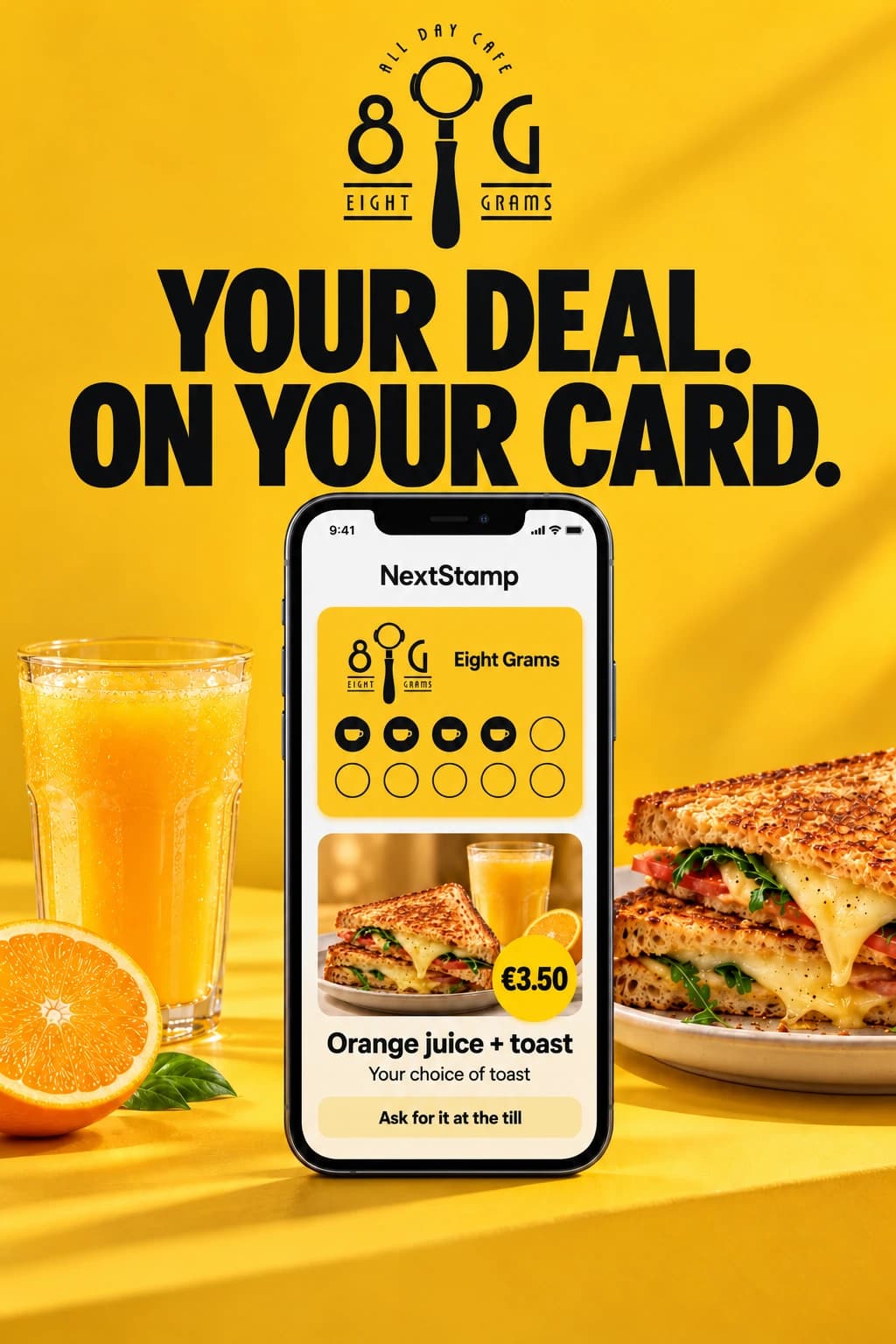
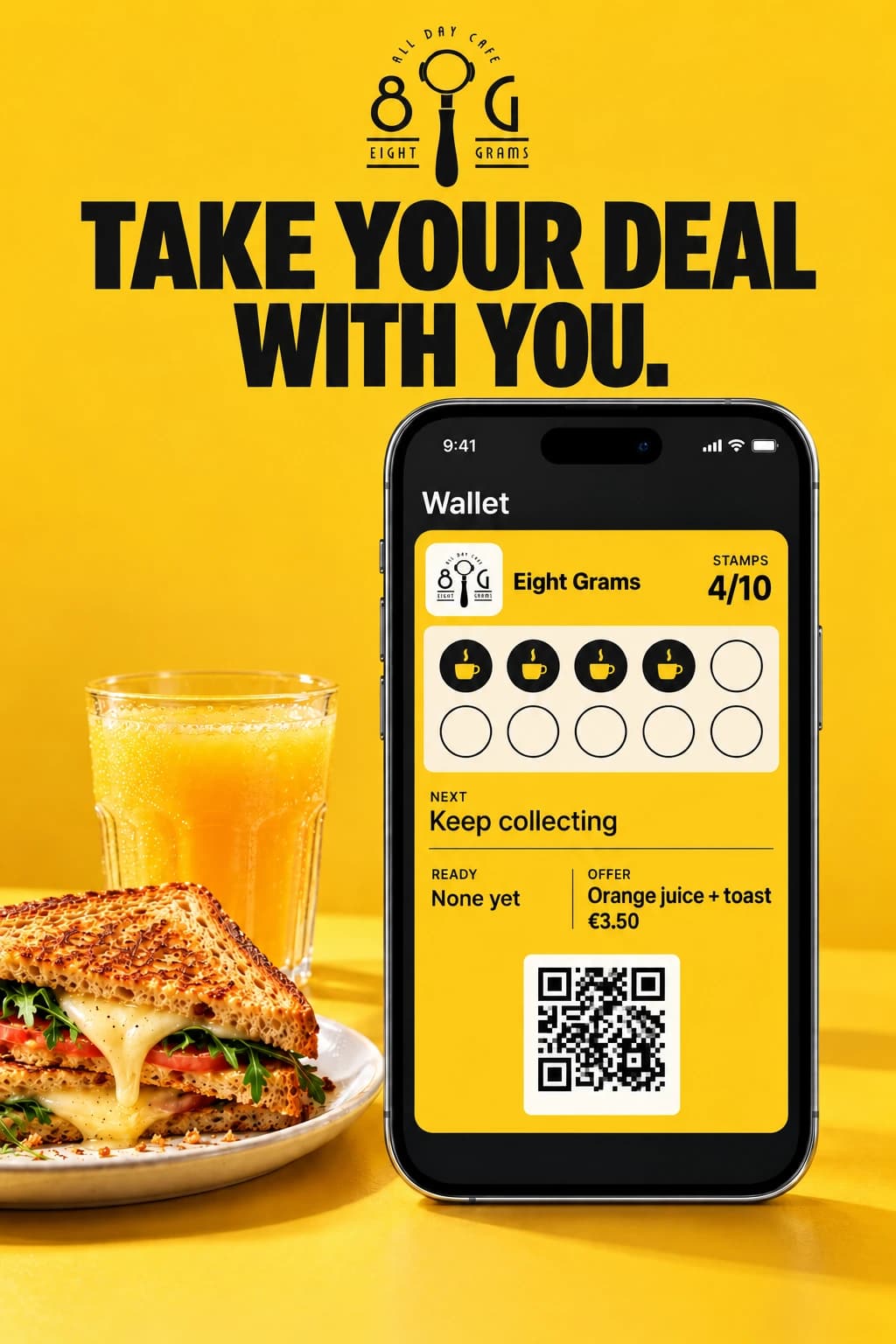
Orange juice and toast at Eight Grams
Freshly squeezed orange juice and a toast of your choice, for €3.50. Here it is on a poster, on the café’s card and in Apple Wallet.

Questions about deals
Does NextStamp take payment for deals?
No. Your till charges the deal like anything else you sell. NextStamp puts the deal in front of your customers and counts each time your team marks it.
How many deals can I run at once?
Up to 5 across your business. Each deal belongs to one loyalty card and runs wherever that card works, or only at the outlets you tick.
Can a customer have a deal more than once?
You decide. A deal can be had as often as customers like, or once each. A once-only deal is used up when your team marks it, and the customer’s card then says they’ve had it.
Will my customers get a notification?
NextStamp never emails or texts them. The deal shows on their card while it runs, and cards saved in Google Wallet can get one alert when it starts. Apple Wallet passes update quietly.
What does someone who hasn’t joined see?
When someone new scans your till poster, the deal shows above your card with “Join the card to get it.” They sign up with their name and email to collect stamps and have the deal marked.
Do the extra stamps count towards my stamp limits?
No. They work like a double-stamps bonus, so they don’t use up the card’s limits per visit or per day. On a card whose reward must be used before the next round, they stop at the last stamp.
What if the deal ends while someone waits at the till?
A stamp request sent while the deal was on still counts when your team approves it a few minutes later. If a deal can’t count, the stamps go on without it and the till says why.
Can I pause or end a deal?
Yes. Pause hides it from customers and the till until you resume it. End it stops it for good, and a deal with a last day ends by itself.
Who on my team can create deals?
Owners and admins, from Campaigns in the business app. Anyone who works your till can mark a deal.
Your next deal,
on every card.
Create your card, then start a deal from Campaigns. Your regulars see it the next time they open their card.
Create your card