Digital loyalty cards
Digital loyalty cards that live on the phone
A digital loyalty card is a stamp card kept on the customer’s phone instead of in their purse. With NextStamp there’s nothing to download. Customers open the card by scanning your QR code, keep it in their NextStamp account in the browser, and see it update as soon as your team adds a stamp.
Customers don’t have to remember to bring it, and nobody can fill it in with a lookalike stamp. You also get to see who your regulars are.
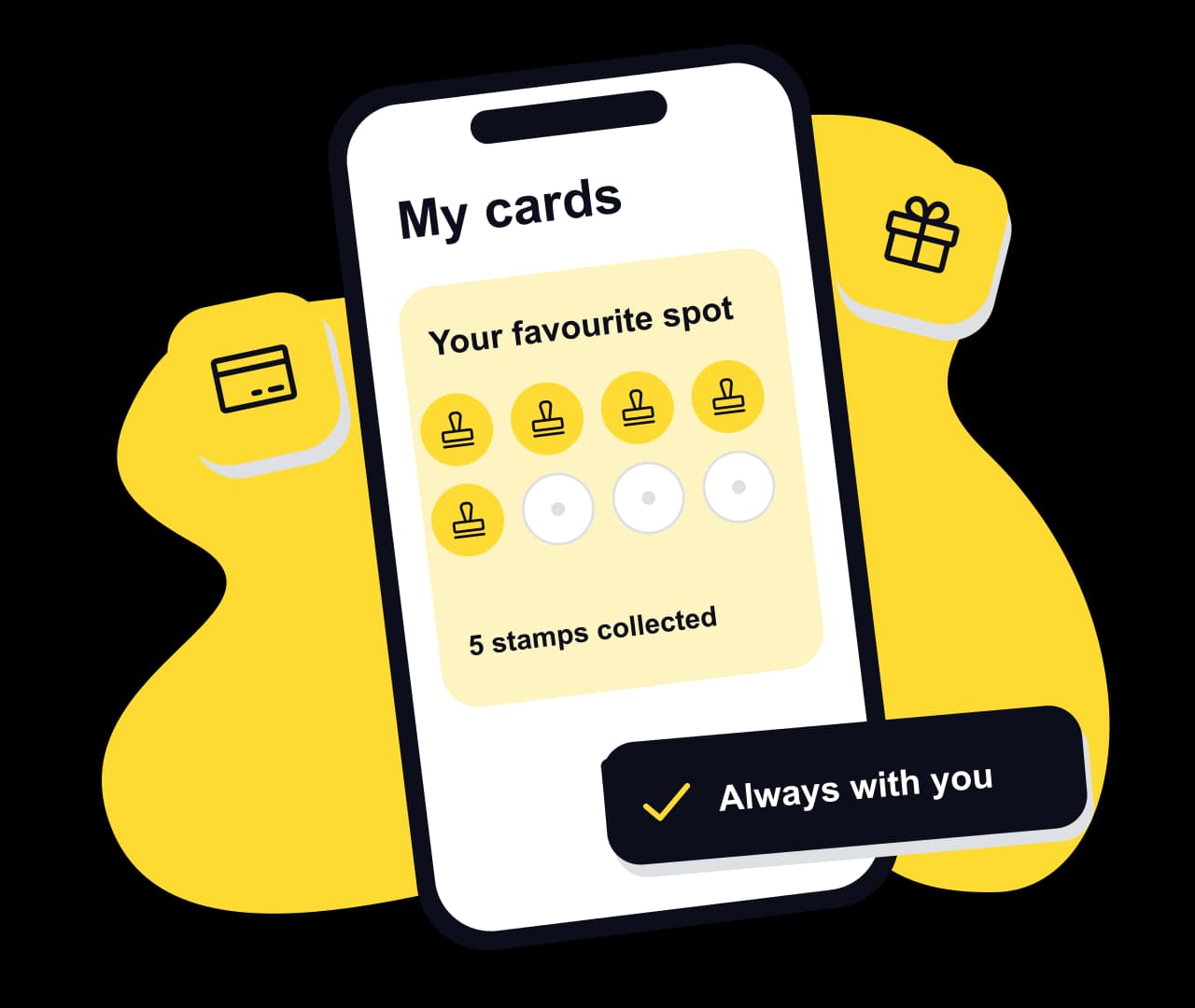
Where customers keep the card
The card lives in the browser, on the customer’s NextStamp account, and customers can add it to Apple Wallet or Google Wallet as well. Nothing changes for your team: the till scans the pass the way it scans the card.
| Place | How it gets there | What it adds |
|---|---|---|
| In the browser | Scanning your poster opens it, and the customer’s NextStamp account keeps it. | Stamps and rewards appearing live while the card is open |
| Apple Wallet | An Add to Apple Wallet button on the card, on an iPhone. | A pass that updates itself, alerts for rewards and gifts, and the lock screen near your outlets |
| Google Wallet | An Add to Google Wallet button on the card, on Android. | A pass that updates itself, alerts for rewards and gifts, and a reminder near your outlets |
A digital loyalty card, visit by visit
- 1
The first visit
The customer scans the till poster, creates an account with their name and email, and joins your card. Any welcome stamps or welcome reward are already on it, and by default the same scan asks your till for that day’s stamp.
- 2
Every visit after
They scan the poster again or show the code on their card for your team to scan. Once your team approves, the new stamp is on the card.
- 3
When the card is full
The reward shows as ready on the card. Your team uses it at the till, and a fresh card starts under your rules.
What each person gets
Customers: every card in one place
One NextStamp account holds their cards from every business where they collect, with progress, rewards and gifts together.
Your team: one screen at the counter
The till handles requests, card scans, stamps and rewards. Everyone signs in with their own account.
You: a card that knows its numbers
Insights shows visits, stamps, rewards used and the customers who are drifting away, by card and by outlet, so nobody has to tally stamps on the back of a till roll.
Your brand on it
The card uses your colours, your card name and a stamp icon that fits your trade, such as a coffee cup, scissors or a paw print.
Questions, answered
What is a digital loyalty card?
A loyalty card kept on a phone rather than on paper or plastic. Customers collect a stamp at each visit and get a reward when the card fills. NextStamp’s opens from a QR code, so there’s no app to install.
Do digital loyalty cards work on iPhone and Android?
Yes. The card opens in the browser on any smartphone, so iPhone and Android users see the same card. They can also add it to Apple Wallet or Google Wallet.
What if a customer’s phone is flat?
The card lives on their account, not on the phone, so nothing is lost. Add the missed stamp later from their page in NextStamp and pick a reason such as “Phone wasn’t working”.
Can the card carry my branding?
Yes. You choose the card colour, stamp colour, stamp icon, card name and a short description, and the editor shows a live preview before you publish.
Is a digital loyalty card secure?
Scanning your poster only asks for a stamp, and someone signed in to your till approves it. If you add a secure tap tag at the counter, the tag signs each tap and every tap counts once. The code on a card carries no personal details, and a customer’s progress is visible to them and to your team, and to nobody else.
Give them a little something
to come back for.
Make a card that feels like your business and put the poster up by the till.
Create your card