Loyalty campaigns
Give regulars another reason to use their card
A loyalty campaign puts an offer on a card your customers already carry. You might thank the people who joined this month, give something to a regular you haven’t seen for a while, or make a slow weekday worth an extra stamp. In NextStamp, owners and admins set these up on the Campaigns screen by picking the card, the offer and when it runs.
The offer comes from your business and shows up on the customer’s card. Start with one clear reason and a reward your team is happy to hand over, and see how it went before you run it again.
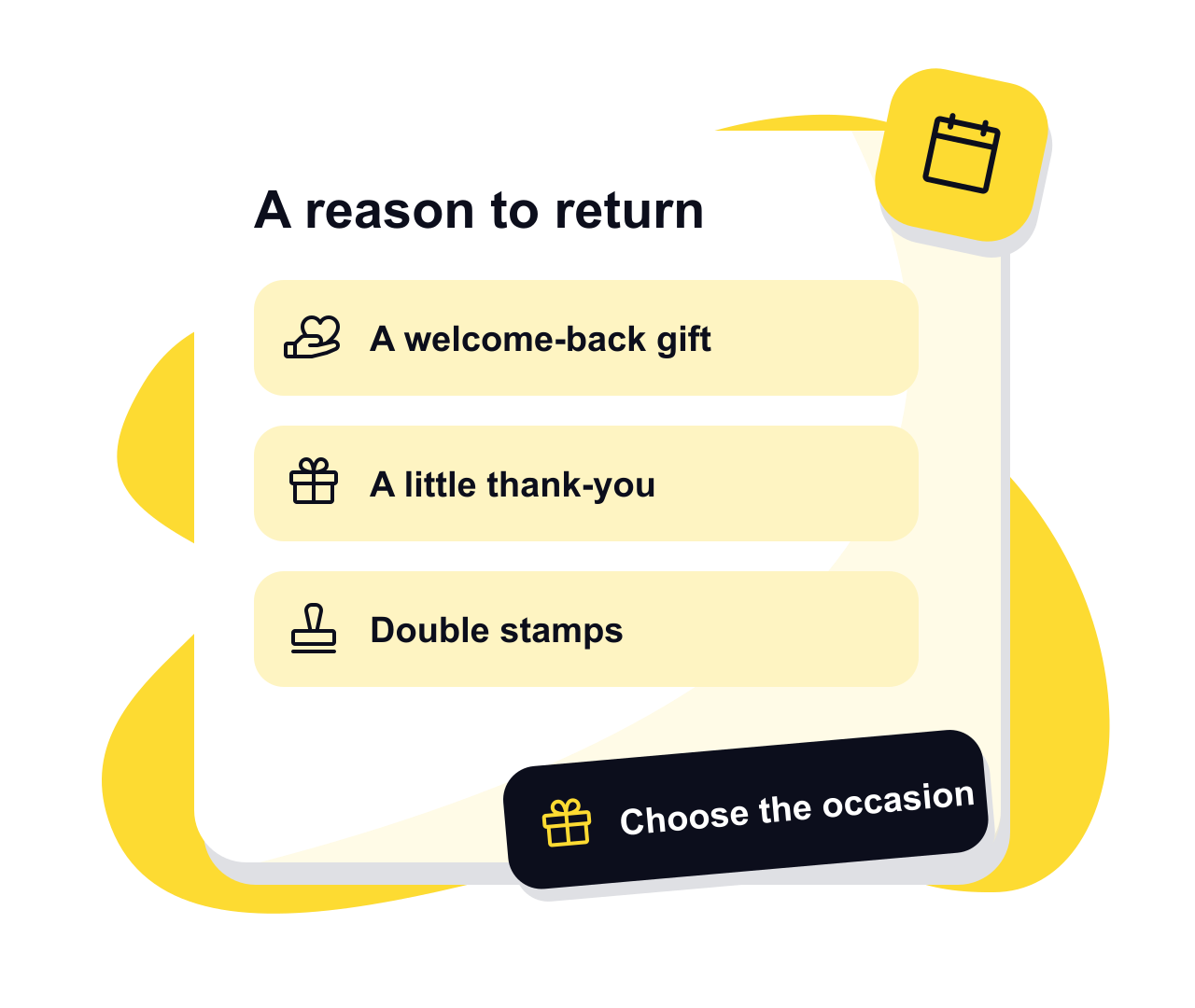
Choose the campaign for the occasion
A welcome-back gift
The “We miss you” campaign waits for a gap in visits that you choose, then gives a reward or bonus stamps to customers who reach it. It gives once per absence, so someone who comes back and later drifts off again can get it a second time. Set the gap to suit your trade: a salon and a daily coffee stop run on very different rhythms.
A one-off thank-you
Send a gift to everyone on a card, to customers who’ve been away a while, or to people who joined it recently, either now or at a time you set. Add a short note saying what it’s for and choose a reward or bonus stamps. The loyalty reward ideas guide helps you find something customers will like and you can afford to give.
Double stamps at chosen times
Pick the weekdays, a time window if you want one, and the dates it starts and ends. While it runs, stamps your team approves get the bonus added by themselves. Staff see the promotion at the counter and customers see it on their card. A slow afternoon is the obvious first test, and the results will show whether it changed anything.
A deal while it runs
Put a combo or a new item on the card, with its price, for the days and hours you choose. Customers see it on their card, and your team marks it at the till when they give the stamps. Up to three extra stamps can go on top. The page on loyalty deals for your regulars shows one on a café’s card.
Set up an offer your team can explain
- 1
Decide what you’re after
Welcoming new joiners, thanking the regulars you already have and bringing back people who’ve drifted away are different jobs, and each has its own campaign type. Run one at a time at first so you can tell what worked.
- 2
Choose the card and check the draft
Choose a published card. NextStamp fills in a new campaign with suggestions for your trade, and you can change any of them. Check the gift, who gets it and when it expires.
- 3
Check the timing and the preview
Campaign times follow your business’s time zone, so check that setting before you schedule anything. Read the note as a customer would, and tell the team what to hand over when someone uses the reward.
- 4
Switch it on, then keep an eye on it
Saving a draft sends nothing. The campaign starts when you switch it on. You can pause a “We miss you” campaign or double stamps, and take back a scheduled gift until it starts sending.
Keep the card’s rules in view
A campaign works inside the card it belongs to, so the card’s room for stamps and any limits on its rewards still apply. Bonus stamps don’t suit every card, and the editor tells you when they aren’t available. A separate gift reward is often simpler than changing the card itself.
If you have more than one shop, check where the card works and make sure the team at those outlets knows about the offer. Owners and admins run campaigns, while staff carry on stamping and handing over rewards at the till as usual. The customer retention page shows the three campaigns at a café with more than five outlets.
Check how it went before you run it again
A gift campaign’s results show how many gifts went out, how many rewards were used and anyone who was skipped, with the reason. A gift landing on a card isn’t the same as a customer coming back to use it, so look at both.
Insights shows visits and rewards around your promotion’s dates, and the guide to what to measure in a loyalty programme explains how to read them. Weather, opening hours and other offers move those numbers too. NextStamp can tell you what happened on the card, but not whether the campaign caused extra sales.
Questions, answered
Does a campaign send emails or text messages?
No. Gifts and promotions appear on the customer’s card in NextStamp, and a card added to Apple Wallet or Google Wallet also shows an alert. It’s worth mentioning at the counter so people know to look.
Can I give a reward without filling the stamp card?
Yes. A campaign can give its own reward, separate from the one at the end of the card. You decide what it is, its terms and when it expires.
Does double stamps mean customers can stamp themselves?
No. Your team still approves every stamp, and NextStamp adds the bonus once they do. The page on QR code loyalty cards explains how a customer’s request reaches the till.
Can I edit a gift after it has started sending?
No. Once a one-off gift starts sending you can stop it but not edit it, and stopping doesn’t take back gifts already delivered. Check the preview and who it goes to before you switch it on.
Will a campaign reach people who have never joined?
No. Campaigns only reach customers already on the card. To grow that list, keep asking people to join at the counter; the guide to starting a loyalty programme covers that part.
Give them a little something
to come back for.
Make a card that feels like your business and put the poster up by the till.
Create your card