Digital punch cards
A digital punch card, without the hole punch
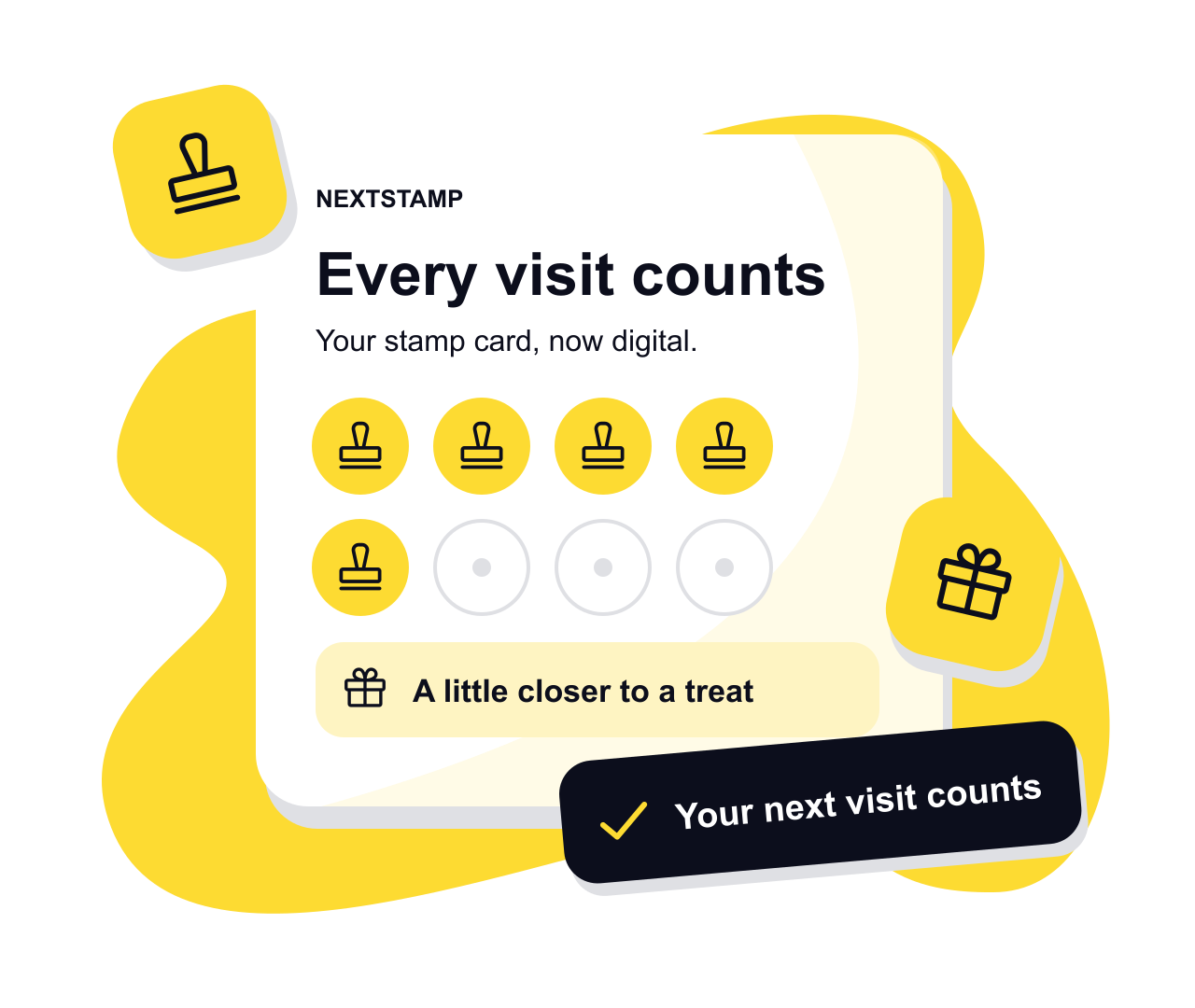
A digital punch card works like the paper kind: a punch per visit and something free when the card is full. What changes is where the card lives and who can punch it. It sits on the customer’s phone, and punches come from your team at the till instead of from anyone with a matching hole punch, so a lost card or a borrowed punch stops costing you free coffees.
NextStamp calls each punch a stamp, and customers collect them without installing anything.
Why paper punch cards leak
Hole punches are cheap, and the one on your counter looks like thousands of others. A regular who finds a match can fill a card at home, and a card left in last month’s coat takes its punches with it. You never see either happen, so you can’t tell how much the card really gives away.
A digital punch card closes both gaps. Your team adds punches at the till, each one is recorded with the time and the person who gave it, and they’re kept on the customer’s account instead of a scrap of card. If a punch goes on by mistake, your team can take it back with a reason, and the customer sees why.
Punch card rules you control
How many punches
Ten is the default. Anything from a handful up to a hundred works, and the customer can always see how many are left.
Punches per visit
New cards give one punch a visit and up to five a day. Raise either limit in the card’s rules if a family order should earn more.
A free punch to start
Give new cards a punch or two when customers join, so the first visit already feels like progress.
A treat before the end
Put a reward at any punch along the way, as well as the free item for a full card.
Punching a card at the counter
There are two ways to add a punch, and both happen on the same till screen.
- 1
The customer asks
They scan the poster by your till. The request pops up with a chime, and one tap approves it. If everyone is busy, it waits in a list until someone is free.
- 2
Or your team scans
Point the till camera at the code on the customer’s card, or type the twelve characters printed under it. Then add the punch or use a reward.
Questions, answered
What is a digital punch card?
A punch card that lives on a phone. Each visit adds a punch and a reward unlocks when the card is full, the same as on paper, except that staff add the punches at the till and the customer can’t lose the card.
Is a digital punch card the same as a digital stamp card?
Yes. Punch card is the American name and stamp card the British one. NextStamp calls the marks stamps, and they work the same way.
How do I stop punch card fraud?
Keep punches in your team’s hands. With NextStamp, scanning the poster only asks for a punch, and someone signed in to your till approves it. Every punch is on record with when and how it was given. If you add a secure tap tag, the tag signs each tap, and each tap counts once.
Can customers see how many punches they have left?
Yes. The card on their phone shows every punch collected and the next reward, and it updates the moment your team adds one.
What happens to paper punch cards customers already have?
Honour them. Add the same number of punches to the customer’s new card from their page in NextStamp, then retire the paper one. The guide to switching from paper covers the details.
Give them a little something
to come back for.
Make a card that feels like your business and put the poster up by the till.
Create your card