For more than one location
One loyalty card for every one of your locations
If you run more than one shop, regulars can collect on the same card across your locations. In NextStamp a card works at every outlet by default, including ones you open later. You can also limit a card to the outlets you pick. Each location has its own till and posters, each person on your team works at the outlets you assign, and Insights shows how each location is doing.
It fits a café that has opened a second site, or a salon with a sister branch across town. Two independent shops under one owner work the same way.
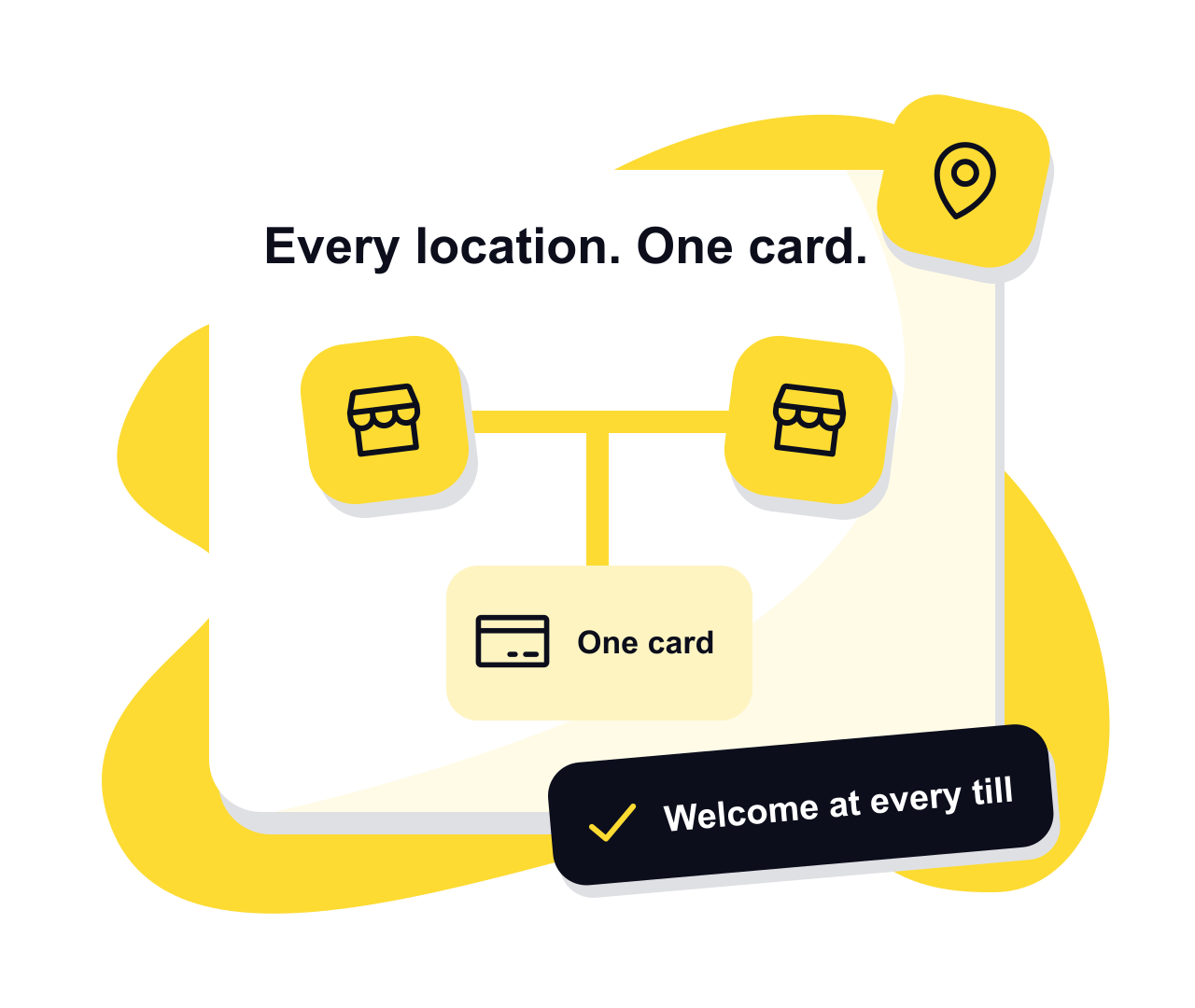
How outlets fit together
Choose where each card works
Keep a card across the whole business, or tick the outlets where it earns stamps and where its rewards can be used. Customers see those outlets with the card’s rules before they join. A reward limited to the shop where it was earned stays usable there.
A till and posters for each
Each outlet has its own till poster and window poster, so every stamp is recorded against the place that gave it.
A counter device per shop
On the till, staff pick the outlet they’re working at. Whatever phone, tablet or computer is at that counter will do.
The same limits everywhere
A card’s stamps per visit and per day count across every outlet, so nobody collects a second day’s worth by crossing town.
Who sees what
Invite each person with a role, then choose the outlets they work at. People can only invite or change members below their own role.
| Role | What they can do | What stays out of view |
|---|---|---|
| Owner | Everything: cards, outlets, team, campaigns and Insights | Nothing |
| Admin | Cards, outlets, campaigns, the team below them and Insights for every outlet | Ownership of the business, which stays with the owner |
| Manager | The till, customers, stamp corrections and Insights for their outlets | Campaigns, card design and outlets they don’t work at |
| Staff | The till at their outlets: approving stamps and using rewards | Insights and, unless you allow it, the customer list |
Adding a new location
- 1
Add the outlet
Give it a name and address on your dashboard. From then on, staff pick it on the till when they work there.
- 2
Print its posters
Check which cards work at the new outlet, then create its posters from each card’s page. A till poster belongs to one card at one outlet, so a coffee card and a lunch card need separate posters.
- 3
Assign the people
Add the outlet to the team members who work there, and invite anyone new from the Team screen.
- 4
Compare as you grow
Filter Insights by outlet to see visits, rewards and busy hours at each location, or look at the whole business at once.
Questions, answered
Can customers collect at one shop and redeem at another?
Yes, as long as the card works at both and the reward isn’t limited to the shop where it was earned. You choose where each card works in its editor, and customers see it before they join.
Can a manager see only their own shop?
Yes. A manager assigned to some outlets sees the till and Insights for those outlets only. Owners and admins see the whole business.
How do I compare my locations?
Insights splits visits, stamps and rewards by outlet, shows each outlet’s busiest hours and compares any period with the one before.
Do I need a separate device for each location?
Each counter needs something to open the till on, usually the phone or tablet that’s already there. Staff choose which outlet they’re working at.
Can I run different cards at different shops?
Yes. A business can run a coffee card at all outlets and a lunch card only at the shops that serve food. Choose the outlets under Where it works in each card’s editor. Customers join each card separately, and each till poster belongs to one card at one outlet.
Give them a little something
to come back for.
Make a card that feels like your business and put the poster up by the till.
Create your card