Guide
What to measure in a small loyalty programme
Four numbers tell a small business most of what its loyalty card is doing: visits, the share of those visits from people who have been in before, rewards used, and how many regulars have gone quiet. Look at them over weeks rather than day by day, and always against the period before.
This guide uses NextStamp’s Insights as the worked example, since it shows each number by card and by outlet. The thinking holds for any small business loyalty programme, and so does the catch: the numbers only cover customers who use the card.
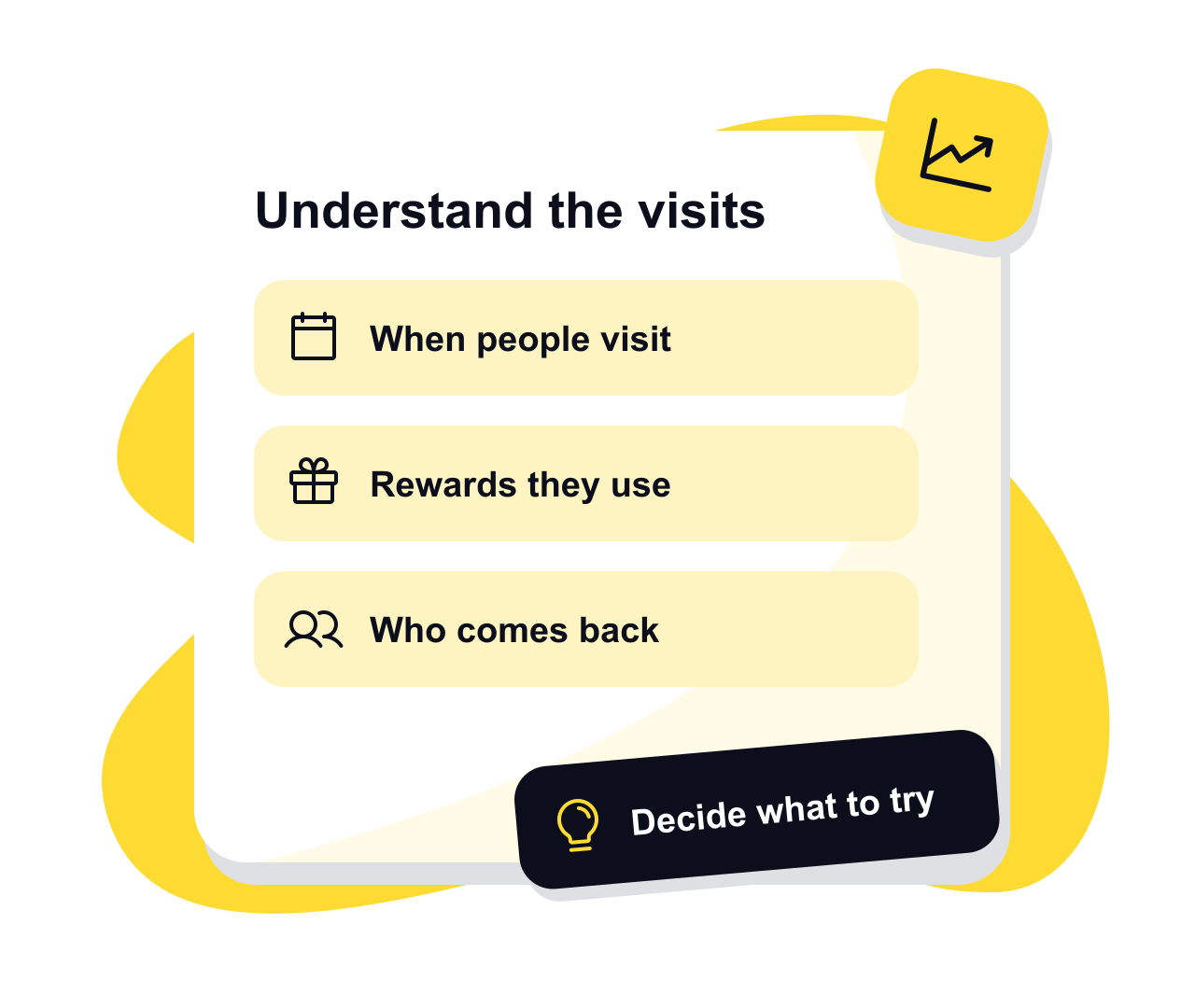
The numbers worth watching
Visits and new customers
In NextStamp a visit starts when a new customer joins, or when a stamp or a reward is used fifteen minutes or more after their last visit began. Three stamps at one visit are still one visit, and a gift landing on a card never counts. Joining isn’t a sale, and a visit isn’t a till receipt.
Coming back
The share of visits made by customers who had been in before. It tells you the mix of who is walking through the door. It isn’t the share of everyone who ever joined and later returned, which is a different question.
Rewards earned, used and expired
Each one is counted on the day it happens, so a reward used today may have been earned last month. Dividing used by earned doesn’t follow one batch of rewards. Plenty earned and few used can mean people forget, or that the reward isn’t worth the trip.
Visit rhythm
Customers grouped by how often and how recently they come in: regulars, coming back, new, slipping away and gone quiet. You tell it how often your customers usually visit, so a barber’s regular who comes in every five weeks isn’t counted as slipping away between cuts. These are labels for how long it’s been, not predictions.
Turning a number into a decision
- 1
Pick a period and one question
Choose the last week, thirty days, ninety days or twelve months. Totals are compared with the same length of time just before. Today and the current month aren’t finished yet, so don’t read much into a change that rests on them. Then ask one thing, such as whether more regulars are coming back.
- 2
Find where the change starts
Filter by card or by outlet. If you run more than one shop, allow for different opening hours and footfall before comparing them. Busiest times shows visits by weekday and hour over the last twelve complete weeks, for the whole business or one outlet, though not for a single card.
- 3
Try one change at a time
Ask the team to mention unused rewards, rewrite an offer nobody understands, or run a loyalty campaign on a quiet day. Once there’s enough activity, Insights suggests tips of its own, and owners and admins can open the suggested campaign in one tap. Whether it suits your business is still your call.
- 4
Look back fairly
Write down what you changed and when. Download the daily or monthly totals and compare a later period with similar trading, because holidays, closures and other offers move the numbers too. If more people join in but the reward starts to feel expensive, go back to what your reward costs.
What loyalty numbers can’t tell you
Insights counts how the card is used. It never sees payments, so it knows nothing about revenue, profit, basket size or lifetime value. Keep your sales and cost figures next to it when you decide whether a reward pays its way.
A jump in visits after a campaign is worth a closer look. On its own it can’t prove the campaign caused it, or tell you what it earned. Stamping every visit at the till and noting what else changed that week make the comparison far more useful.
Questions, answered
Who can open loyalty Insights?
Owners, admins and managers. A manager assigned to some outlets sees only those. Staff can’t open Insights, and the section on the team at the till is for owners and admins.
Can I download my loyalty analytics?
Yes. Download CSV gives you the report’s daily or monthly totals for visits, new customers, stamps given and rewards used. It holds no customer details.
Can I see visit rhythm for a single card?
No. Visit rhythm covers the whole business, so it only shows when no card or outlet filter is on. The filters narrow the activity totals instead.
Why do the tips use a different period from my totals?
Tips look at complete days over fixed recent windows, while the totals follow the range you pick. That way a half-finished day can’t produce a gloomy tip.
Does sending a campaign gift count as a customer visit?
No. A gift arriving on a card isn’t a visit. Look at what customers do at the till afterwards to see whether it brought anyone in.
Give them a little something
to come back for.
Make a card that feels like your business and put the poster up by the till.
Create your card