Guide
Should your loyalty stamps expire?
Stamps don’t have to expire, and on a new NextStamp card they never do until you set a rule. Expiry earns its place when an open-ended card gets in your way: a seasonal offer, a card you want filled within the month, or a reward you can’t promise for years. A deadline also gives people a reason to come back a bit sooner.
Keep two clocks apart. One is the card’s progress, the stamps collected towards the reward. The other belongs to a reward someone has already earned. Each has its own expiry, and customers see both with the card’s rules before they join.
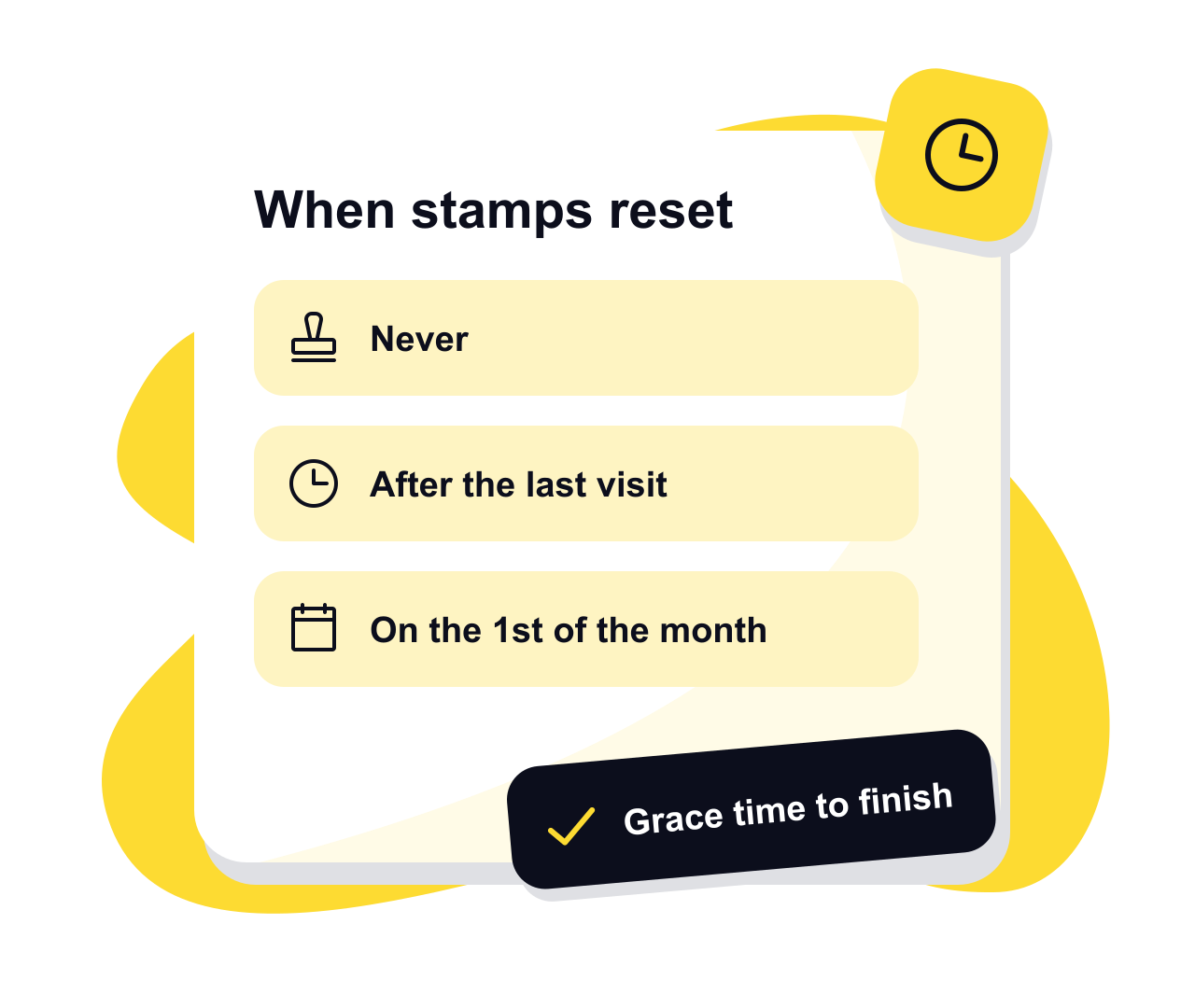
The ways a card can reset
Never
Stamps stay on the card until it fills, however long that takes. It’s where every new card starts, and it suits a place whose regulars come every few weeks, where a deadline would only catch them out.
Fixed from the first stamp
The clock starts with the first stamp on a card and runs for one, three or six months, a year, or a number of days you choose. Customers know from day one how long they have to fill it. An empty card never loses time.
Rolling from the last visit
The card resets only after a set time without a visit, and each visit starts that time again. Regulars keep everything, while cards that have gone quiet clear themselves. A gift or a correction from your team isn’t a visit, so it doesn’t keep a quiet card alive.
A calendar month, or a run of dates
A monthly card resets on the 1st. You can give late joiners a full first month, so someone who joins in the last week keeps their stamps through the next month as well. A one-off card runs between two dates you pick and then stops, which suits a summer offer or a festival week.
Grace time, and what customers see
Past the deadline you can allow 24, 48 or 72 hours of grace before the card resets, and 48 is the recommended setting. Customers see the deadline itself, then a “last chance” note during the grace time, so someone who comes in the morning after doesn’t lose out on a technicality. A one-off card has no grace, because nobody can collect after its last day anyway.
When a card does reset, its stamps go and the customer’s activity says how many expired. Rewards they’ve already earned stay where they are. Customers read the expiry with the card’s rules before joining and see the deadline on their card, and your team sees it at the till.
Reward expiry is a separate clock
Each reward has its own expiry: the one at the end of the card, any along the way and a welcome gift. It can be never, or one, three or six months or a year after the reward is earned. A month is plenty for a free coffee. A bigger treat may deserve longer, and a reward that never expires can turn up years later, after your prices have changed.
Shorter deadlines can help people actually use what they’ve been given. In a small field experiment, Shu and Gneezy (2010) gave students certificates for cake and a drink at a pastry café. With three weeks to use them, 10 of 32 were redeemed; with two months, only 2 of 32, although a separate group predicted the longer deadline would get more use. That was a gift rather than a stamp card, and a small group of students, so read it as a hint rather than a rule.
Choosing expiry for your card
- 1
Start from how often regulars come in
A daily coffee stop and a salon booked every six weeks need very different deadlines. Pick a length an ordinary regular fills comfortably, then add a little. If you’re unsure, rolling expiry is the forgiving choice.
- 2
Match the card to the offer
Use a calendar month or a run of dates for a promotion with an end, and keep an everyday card on never or rolling. The guide to starting a loyalty programme covers the rest of a card’s first set-up.
- 3
Give each reward a sensible life
Set a reward’s expiry by what it costs you and how easily it can be used. The loyalty reward ideas guide helps with the cost side before you decide.
- 4
Change it with care
A new expiry applies to cards started after you publish it. Customers part-way through keep their current card until it fills or resets. A one-off card is the exception: move its last day and every open card moves with it.
Questions, answered
Do loyalty stamps have to expire?
No. A new NextStamp card never expires until you set a rule. Expiry is there for when an open-ended card causes you a problem, such as a seasonal offer or a reward you can’t hold for years.
What happens to earned rewards when a card resets?
They stay. A reset clears only the stamps collected towards the next reward, and each earned reward keeps its own expiry.
Can I change the expiry on a live card?
Yes. The editor asks you to confirm before publishing a change to a live card. The new expiry applies to cards started after that, and customers part-way through keep their current card until it’s full or resets.
Does a campaign gift stop a card from expiring?
No. On a rolling card only a visit starts the clock again. A gift or a correction adds stamps but never pushes a running deadline back. Loyalty campaigns explains what gifts do.
Which time zone does a monthly card use?
The card’s own time zone, taken from your business, so a monthly card resets at midnight on the 1st where you trade and every deadline is shown in those days.
Give them a little something
to come back for.
Make a card that feels like your business and put the poster up by the till.
Create your card