An alternative to paper stamp cards
Switching from paper stamp cards to digital
The smoothest way off paper stamp cards is to honour every stamp your regulars already have. When someone hands over a half-full paper card, add the same number of stamps to their new digital card and they carry on from there. Run both for a few weeks, then stop printing.
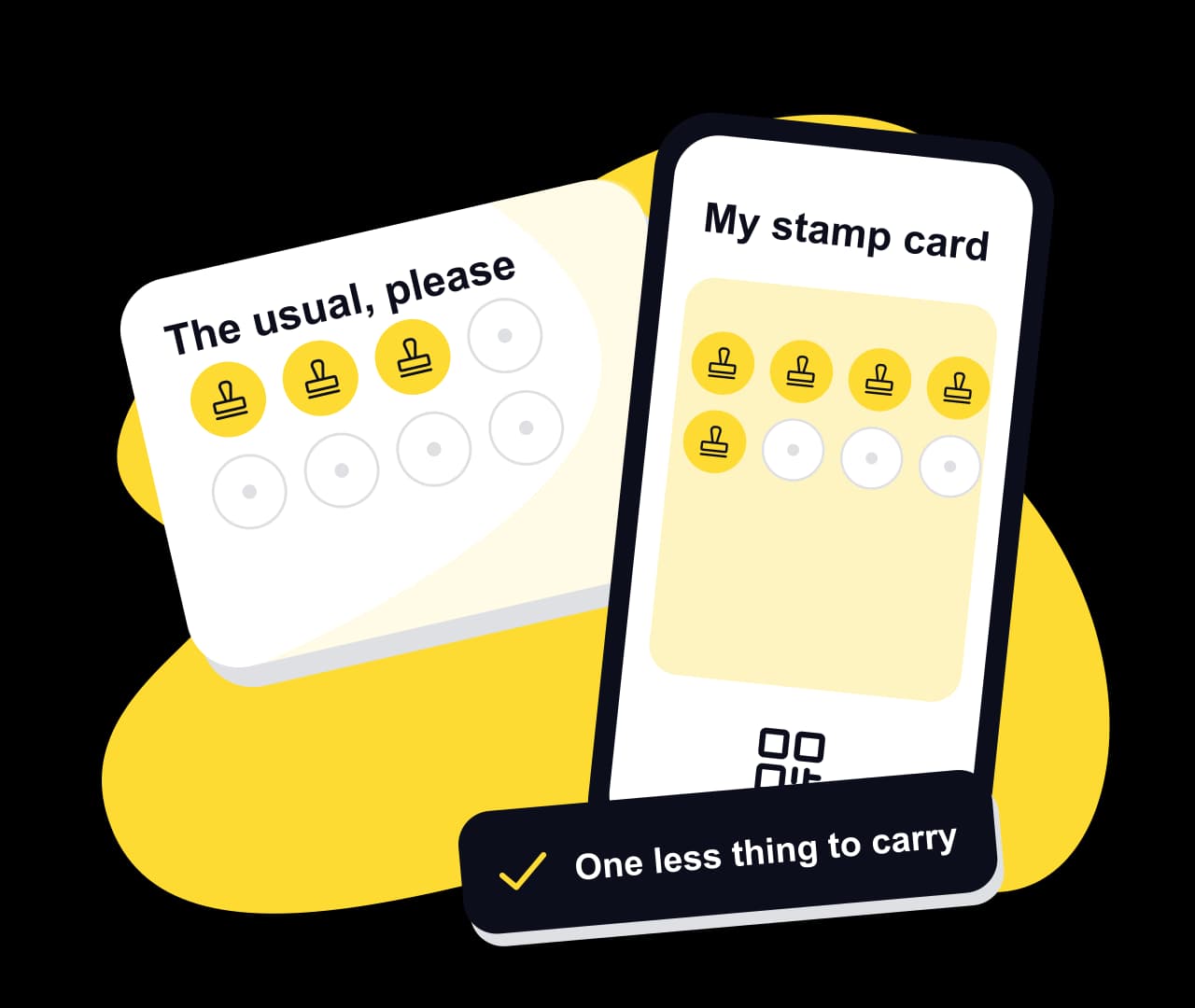
NextStamp keeps the part of the paper card people like, collecting stamps towards a treat, and moves it onto the phone. There the card can’t be lost or copied, or go through the wash in a jeans pocket.
Switching over in about a month
- 1
Match your paper card
Set up the digital card in the NextStamp card maker with the same number of stamps and the same reward, so the only thing that changes for regulars is where the card lives.
- 2
Put the posters up
Place the till poster where you stamp cards today and the window poster by the door. Keep a few paper cards behind the counter while people move across.
- 3
Honour the paper stamps
When a paper card comes out, open the customer’s page in NextStamp and add the stamps it shows. Stamps added there don’t count toward the daily limit, so a nearly full card moves across in one go.
- 4
Name a last day
After a few weeks, tell customers the last day you’ll accept paper cards. From then on the only card is the one on their phone.
Paper card or digital card
| The everyday problem | With a paper card | With NextStamp |
|---|---|---|
| A lost card | Gone, with every stamp on it | Kept on the customer’s account |
| Stamps you never gave | A lookalike stamp or pen fills a card | Stamps come from your team at the till |
| Knowing your regulars | You know faces, not numbers | Visits, lapsing customers and busy hours in Insights |
| Changing the reward | Reprint every card | Publish a change; cards already started keep their reward |
| Running out of cards | Order another box | One poster per till, printed once |
What to say at the counter
Regulars take change well when it sounds like good news. These lines tend to land:
“It’s the same card, on your phone.”
Same stamps and the same reward, with nothing new to learn.
“Your stamps come with you.”
Every stamp on the paper card moves across before the card goes in the bin.
“No app, just scan.”
The phone camera opens the card, so there’s nothing to install.
“Phone flat? We’ll add it next time.”
A missed stamp can go on later from the customer’s page, with the reason noted.
Questions, answered
Can customers keep the stamps from their paper card?
Yes. Add the same number of stamps to their digital card from their customer page in NextStamp. Stamps added that way skip the daily limit and still unlock a reward if they fill the card.
Should I run paper and digital cards at the same time?
For a few weeks, yes. Accept paper cards while regulars move across, then set a last day. Without one, the two systems tend to run side by side for good.
What about customers without a smartphone?
NextStamp needs a phone to hold the card. If some regulars don’t carry one, you can keep a few paper cards for them alongside the digital card.
Do I need new equipment to switch?
No. The till runs in the browser on a phone, tablet or computer you already have, and the posters print on an ordinary printer.
Can I keep the reward from my paper card?
Yes. Use the same number of stamps and the same reward. You can add a welcome reward or a treat along the way later if you want to.
Give them a little something
to come back for.
Make a card that feels like your business and put the poster up by the till.
Create your card