For cafés and coffee shops
Loyalty cards for cafés and coffee shops
NextStamp is a digital stamp card for cafés. Customers scan the QR poster by your till with their phone camera and keep the card on their phone, without downloading an app. Your barista approves each stamp with one tap, and when the card fills, the free coffee is waiting on it.
It runs on the counter phone or tablet you already have, and customers keep the card in their phone’s browser.
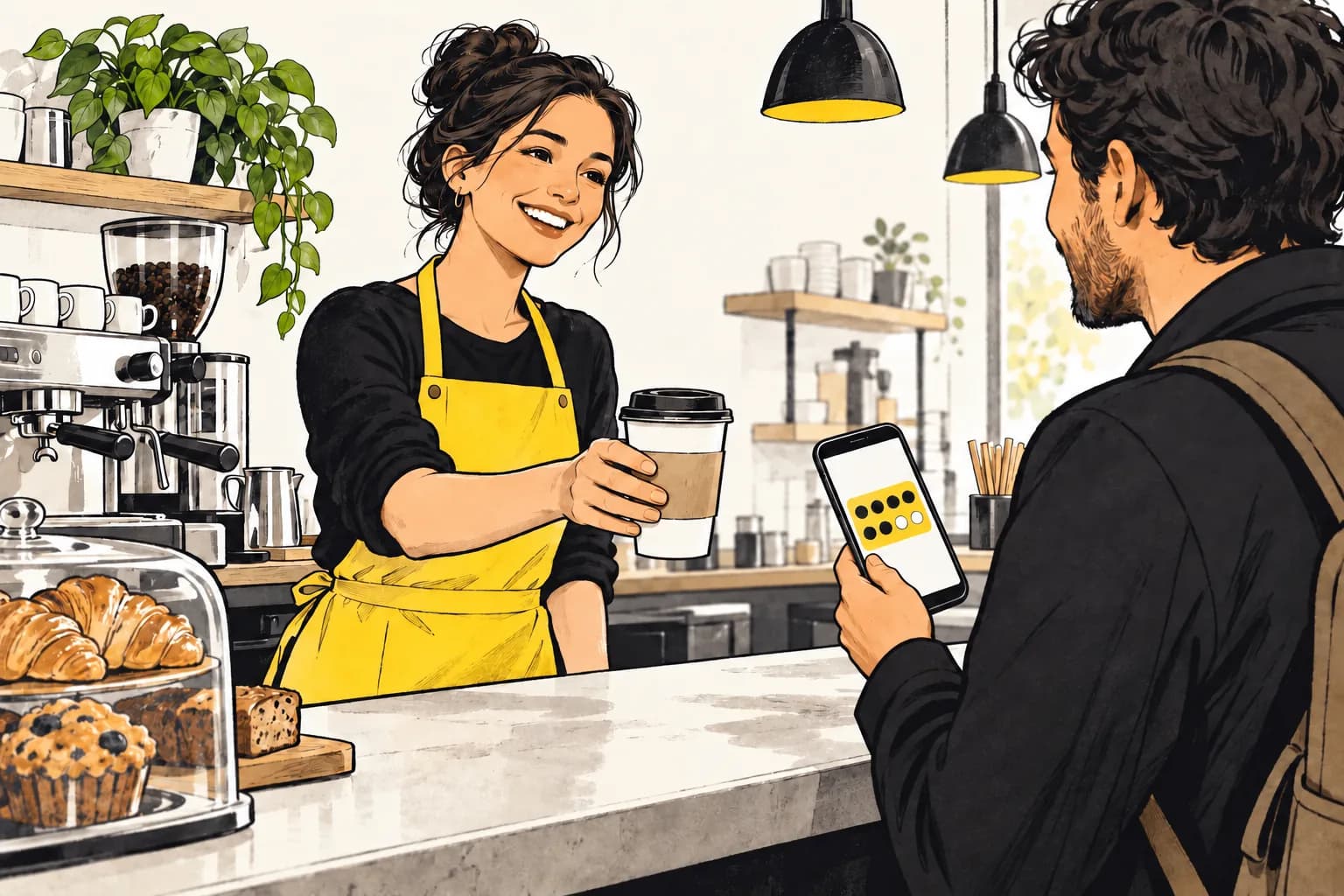
Made for the morning queue
A coffee card only works if it never slows the line down, so the customer does the asking and your team gives the stamp with a single tap.
They scan while you make the coffee
The till poster sits by the till. A scan sends a stamp request to your till screen, and nobody has to hunt for a pen or a rubber stamp.
The request opens by itself
The till chimes and shows who’s asking. One tap approves the stamp. If you’re mid-order, the request waits in a list under the camera until you get to it.
Buying a round?
New cards give one stamp a visit. If you’d rather give a stamp for every coffee in a round, raise the stamps per visit in the card’s rules and add them in one go.
No new hardware
The till runs in the browser on a phone, tablet or computer. Add NextStamp to the home screen and it opens full screen like an app.
Coffee card ideas that bring people back
The rules on the card are yours to set. These are good starting points for a café, and there are more loyalty reward ideas for other trades.
Eight to ten stamps
Short enough that a weekday regular fills the card in two weeks, and long enough that the free coffee feels earned.
A welcome stamp
Start new cards with a stamp or two on them, so the first visit already counts for something.
A treat along the way
A pastry at stamp five keeps the card interesting between coffees. A reward along the way can go at any stamp you choose.
Double stamps on slow afternoons
Pick the days and hours. When your team adds a stamp in that window, NextStamp adds the bonus stamp by itself.
Setting up a café card
- 1
Design the card
Pick your colours and the coffee cup stamp, set the number of stamps and name the reward. The preview shows what customers will see.
- 2
Print two posters
One till poster for stamping at the counter, and one window poster for the door or the tables so people can join while they wait.
- 3
Open the till
Sign in on the counter phone or tablet and invite your baristas. Each has their own login and sees only the outlets they work at.
Campaigns, ready to switch on
What NextStamp drafts for a café
Tap New campaign and the draft comes filled in with numbers that suit a café. Change anything you like before switching it on. Gifts land on the customer’s card, and NextStamp doesn’t send emails or texts.
- We miss youFree coffee when a customer is late for their usual visit
- A thank-you gift1 bonus stamp · Everyone with the card
- Double stamps×2 · Mon, Tue & Wed · 14:00–17:00
Questions, answered
Do customers need an app to collect coffee stamps?
No. Customers scan the QR poster with their phone camera and the card opens in the browser. They create an account with their name and email the first time.
Can someone collect stamps by scanning the poster from home?
Scanning only asks for a stamp. Nothing is added until someone on your team approves it at the till. If a photo of your poster gets around, replace the poster in NextStamp and the old code stops working straight away.
Can I give a free pastry halfway through the card?
Yes. Add a reward along the way at the stamp you choose, next to the reward for a full card. New customers can also get a welcome reward.
What happens when a coffee card is full?
The free coffee appears on the customer’s card, ready to use. Your team redeems it at the till, and the next card follows the rules you’ve set.
Can one coffee card work across two cafés?
Yes. Add each café as an outlet with its own till poster. Customers collect on the same card at both, and each barista only sees the outlets they work at.
Give them a little something
to come back for.
Make a card that feels like your business and put the poster up by the till.
Create your card